You no longer need a camera, an editor or a budget to make a video. Type a short description, and an AI tool turns it into a moving clip in seconds. Many of these tools have a free plan, so you can start today.
This guide covers the best free prompt-to-video AI tools in 2026 and gives you 22 tested video prompts, including prompts for creating viral YouTube Shorts. Every prompt has a Copy prompt button.
What is prompt-to-video AI?
Prompt-to-video (also called text-to-video) AI creates a short video clip from a written description. You describe the subject, the action, the setting and the camera movement, and the model generates the footage. Most free tools make clips of about 5 to 10 seconds, which you then join together in an editor.
There are two related types you will see:
- Text-to-video: the AI invents the whole scene from words.
- Image-to-video: you upload a picture and the AI animates it. This gives more control over how characters look.
Best free prompt-to-video AI tools (2026)
Free plans change often, so treat this as a starting point and check each tool’s current limits before you plan a project.
| Tool | Best for | Free plan (typical) |
|---|---|---|
| Google Veo (via Google Flow) | Cinematic clips with realistic motion and sound | Limited free credits; check current allowance |
| Kling AI | Realistic human motion and physics | Daily free credits, watermark on free clips |
| Hailuo AI | Fast, short clips | Daily free credits, watermark on free clips |
| PixVerse | Consistent style and quick social clips | Daily credits on its own model |
| Pika | Fun effects and stylised animation | Limited free credits, watermark |
| CapCut (online) | Text-to-video plus a full editor in one place | Free tier with limits |
| InVideo AI | Faceless explainer videos from a script | Limited free minutes, watermark |
Tip: free clips usually carry a watermark and short length. Make several 5 to 8 second clips, then join them in CapCut with voice-over and captions.
The prompt-to-video formula
Video prompts need more than image prompts, because the AI must also understand movement. Use this order:
- Shot type: close-up, wide shot, drone shot, slow tracking shot.
- Subject: who or what is on screen.
- Action: one clear movement. Too many actions confuse the model.
- Setting and light: place, time of day, weather.
- Camera movement: slow push in, pan left, orbit, handheld.
- Style and format: cinematic, realistic, anime; vertical 9:16 for Shorts.
Cinematic prompt-to-video prompts
1. Rainy city at night
Cinematic wide shot of a busy city street at night in the rain, neon signs reflecting on wet roads, people with umbrellas walking past. Slow camera push forward. Realistic, moody colour grading. Landscape 16:9.
2. Mountain sunrise drone shot
Drone shot flying slowly over misty mountain peaks at sunrise, golden light spilling across the valleys, clouds moving below. Smooth forward motion, ultra-realistic, calm and epic mood. Landscape 16:9.
3. Chai being poured
Extreme close-up of hot chai being poured from a steel pot into a glass cup, steam rising, warm morning light from a window. Slow motion, shallow depth of field, realistic food video. Vertical 9:16.
4. Ocean waves at golden hour
Low-angle shot of ocean waves rolling onto a sandy beach at golden hour, foam glowing in the sunlight. Slow camera movement along the shoreline, realistic and relaxing. Landscape 16:9.
5. Old library magic
Slow tracking shot through an old wooden library, dust floating in beams of light, a single book opening by itself on a table. Soft cinematic lighting, gentle mystery. Landscape 16:9.
AI prompts for creating viral videos on YouTube (Shorts)
Viral Shorts hook the viewer in the first second, show one surprising idea, and loop well. These prompts are built for vertical 9:16 and a strong first frame.
6. Satisfying transformation
Vertical 9:16 close-up of a rusty old key slowly transforming into a shiny gold key, rust flaking away in small particles. Smooth, satisfying motion, clean dark background, studio lighting. Seamless loop.
7. Tiny world miniature
Vertical 9:16 macro shot of a tiny miniature village built inside a teacup, tiny people walking and smoke rising from tiny chimneys. Gentle camera orbit, tilt-shift style, warm light.
8. What if history scene
Vertical 9:16 cinematic shot of an ancient Mughal-era marketplace at sunset, traders, colourful fabrics and spices, people walking. Slow camera push in, realistic historical recreation.
9. Animal doing a human job
Vertical 9:16 funny realistic video of a cat wearing a tiny chef hat stirring a pot in a small kitchen, looking seriously at the camera. Handheld camera feel, warm lighting.
10. Before and after room glow-up
Vertical 9:16 timelapse of an empty, dull room turning into a cosy modern bedroom, furniture and plants appearing one by one, lights turning on at the end. Smooth transition, realistic.
11. Weather in a jar
Vertical 9:16 close-up of a glass jar on a table with a tiny thunderstorm inside, clouds swirling and small lightning flashes. Dark room, dramatic lighting, seamless loop.
12. Faceless motivation clip
Vertical 9:16 cinematic shot of a lone runner on an empty road at dawn, seen from behind, fog and orange sky. Slow motion, inspiring mood, space at the top for caption text.
13. Food ASMR
Vertical 9:16 close-up of crispy samosas being broken open, steam and filling visible, crunchy texture. Slow motion, warm street-food lighting, shallow depth of field.
Image-to-video prompts (animate a photo)
Upload an image first, then use one of these. Keep the movement small for the most realistic result.
14. Bring a portrait to life
Animate this photo: the person blinks naturally, smiles softly and slightly turns their head. Keep the face and background exactly the same. Subtle, realistic motion.
15. Moving landscape
Animate this landscape photo: clouds drift slowly, water ripples and leaves move gently in the wind. Keep the camera still. Realistic, calm.
16. Product showcase
Animate this product photo: slow 360-degree rotation on a clean surface with soft reflections and gentle light sweep. Keep the product design exactly the same.
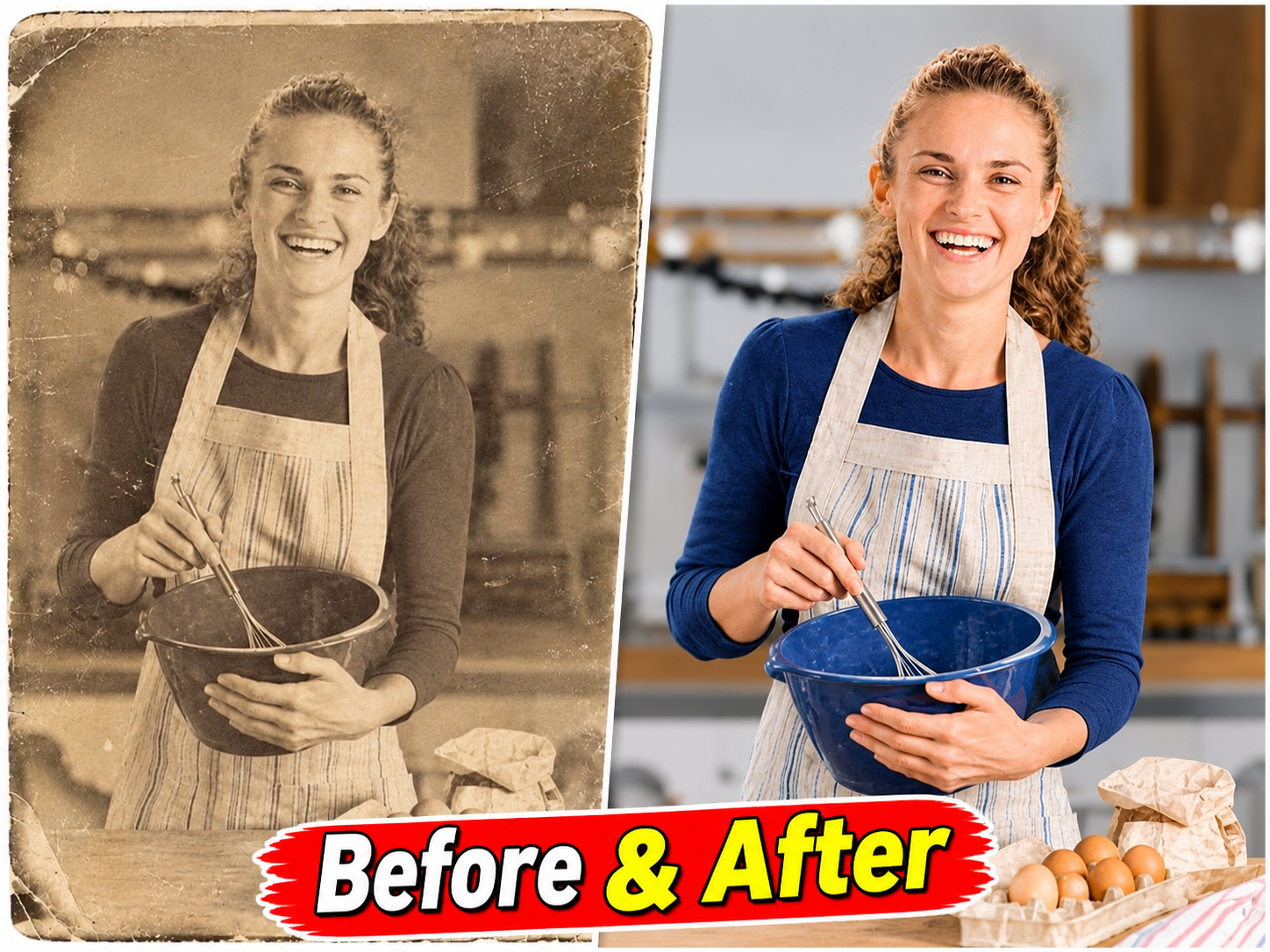
17. Old photo memory
Animate this old photo very gently: soft head movement, natural blink, slight smile. Keep it respectful and realistic, with the original black-and-white look.
Anime and animation video prompts
18. Anime rooftop scene
Anime style, a student sitting on a school rooftop at sunset, wind moving her hair and skirt, cherry blossom petals floating past. Slow camera pan, soft warm colours. Landscape 16:9.
19. Cartoon explainer character
2D cartoon style, a friendly robot character waving and pointing at an empty space on the right for text. Clean flat colours, simple background, smooth motion. Landscape 16:9.
20. Fantasy forest
Animated fantasy forest at night, glowing mushrooms and fireflies, a small fox walking along a path. Gentle camera tracking, magical but soft lighting.
Use ChatGPT to write your video prompts
If you have an idea but not the words, paste this into ChatGPT or Gemini and let it write the video prompts for you.
21. Video prompt generator
Act as a professional AI video prompt writer. My idea is: [describe your idea]. Write 5 short text-to-video prompts for a vertical 9:16 YouTube Short. Each prompt must include shot type, subject, one clear action, setting, lighting, camera movement and style, in under 60 words. Make the first frame visually striking so viewers stop scrolling.
22. Full YouTube Short script + prompts
Create a 30-second YouTube Short about [topic]. Give me: 1) a 3-second hook line, 2) a voice-over script under 75 words, 3) six matching text-to-video prompts, one per 5-second scene, in vertical 9:16, 4) a title under 60 characters and 5 hashtags.
Tips to make AI videos go viral
- Hook in the first second. Start with the most surprising frame, not an intro.
- One idea per Short. 15 to 30 seconds is enough.
- Add voice-over and captions. Most people watch on mute.
- Make it loop. A clean loop raises watch time.
- Label AI content. YouTube asks creators to disclose realistic AI-made content, and honest labelling protects your channel.
- Remove watermarks the right way. Upgrade the plan or use a tool that allows watermark-free export. Do not crop or blur watermarks in ways that break a tool’s terms.
Frequently asked questions
Is there a completely free prompt-to-video AI?
Several tools have free plans with daily or one-time credits. Free clips are usually short and watermarked, which is fine for testing and practice.
How long can AI-generated videos be?
Most free tools make 5 to 10 second clips. For longer videos, generate several clips and join them in an editor.
Can I earn money from AI videos on YouTube?
Yes, if the channel adds real value with original ideas, voice-over, editing and storytelling. Channels that only upload repetitive, low-effort AI clips risk failing YouTube’s monetisation review.
Why does my AI video look strange?
Usually the prompt asks for too many actions. Keep one subject, one action and one camera move per clip.
Final thoughts
Prompt-to-video AI has made video creation open to everyone. Pick one free tool, learn the six-part prompt formula, and start with short clips. The creators who win are the ones who combine AI footage with a strong idea and good storytelling.